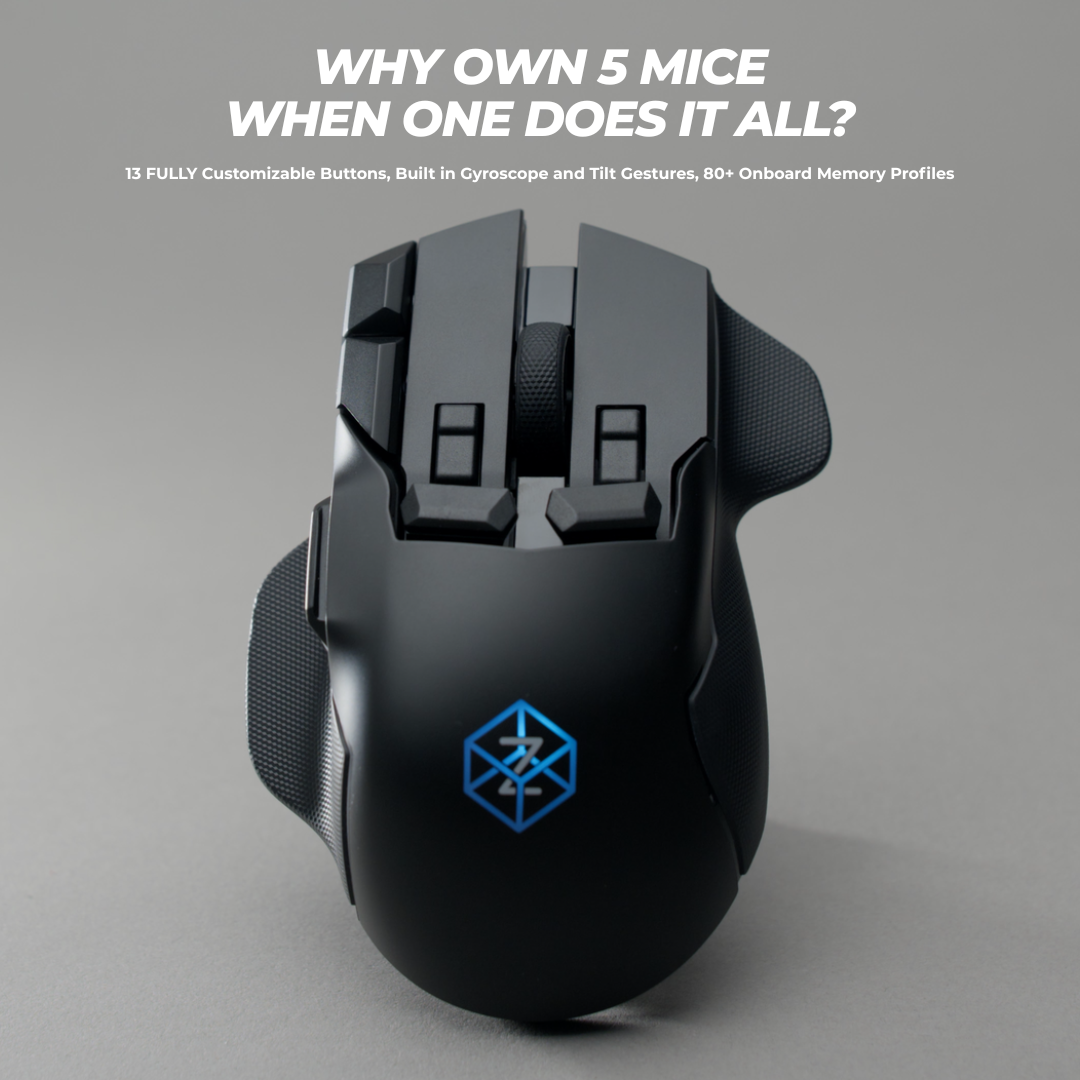


IT'S FINALLY HERE
THE FIRST WIRELESS Z
See what makes Z3 our most advanced mouse ever. Now wireless.
One mouse.Every input.
Discover what Z3 can do. Choose a feature to watch it in action.
Built For Every Environment
See how the Z3's analog tilt and pressure-sensitive clicks give you a tactical edge in-game and hyper-efficiency at your desk.
An Unfair Advantage
Instead of stretching your fingers for hotkeys and keybinds, execute complex actions with gestures and pressure.
Hyper-Fast Workflow
Navigate massive timelines and complex spreadsheets with a flick of the wrist. Work entirely one-handed.
Technical Specifications
- Tracking Sensor
- PixArt PAW3395
- PixArt PAW3950
- Maximum DPI
- 26,000
- 30,000
- Tracking Speed
- 650 IPS
- 750 IPS
- Battery life
- -
- 60-100hrs
- Lift-Off Distance
- 1.0 mm
- 0.7 mm
- Programmable Buttons
- 13
- 13
- Pressure-Sensitive Buttons
- 5 buttons
- 5 buttons
- Motion Sensing
- Gyroscope/Accelerometer
- Gyroscope/Accelerometer
- Display
- OLED
- OLED
- Wireless
- —
- 2.4 GHz Swiftlink
- Bluetooth
- —
- Supports BT 4.0 and above
- Wired
- USB
- USB-C
- Maximum Polling Rate
- 1,000 Hz
- 1,000 Hz
- Onboard Memory Capacity
- Up to 20 profiles
- Up to 80 profiles
- Software
- X1 Control Panel
- X1 Control Panel
- Officially supported OS
- Windows and macOS
- Windows and macOS
- Experimentally
- Linux
- Linux
- Warranty
- 2 Years
- 2 Years
- Returns
- 90-Day Returns
- 90-Day Returns
- Engineering and Designed In
- New Zealand 🇳🇿
- New Zealand 🇳🇿
Performance
Inputs
Connectivity
Memory & Software
Ownership
Bluetooth polling rate 150 Hz (BTLE Override Setting available for higher polling rates over Bluetooth).
Join The Community
Get real-time support from the developers, share your custom macros, and connect with thousands of real Swiftpoint users optimizing their gaming & workflow with the Z3 and other Swiftpoint tech.
JOIN DiscordFrequently Asked Questions
Is Z3 wireless or wired?
Z3 is both wireless and wired. It supports low-latency wireless operation, Bluetooth, and traditional USB wired use.
What wireless technologies does Z3 support?
Z3 supports:
- Our custom Swiftlink low-latency wireless protocol
- Bluetooth
- USB wired mode
This gives you flexibility across performance, compatibility, and battery use.
Is wireless performance comparable to wired?
Yes. Achieving reliable, low-latency wireless performance was a core focus of Z3's development.
After extensive iteration and testing, wireless performance now meets the standard we're comfortable delivering.
Can Z3 be used in wired mode?
Yes. Z3 can be used fully wired over USB, including during charging.
What is the battery life and charging time?
A full charge gives you up to 60 hours of non-stop usage — which, under normal day-to-day use, can stretch into weeks between charges.
Charging is handled via USB, and you can keep using Z3 while it charges. A full charge takes approximately 2 hours 40 minutes.
Want even more? Switching off RGB lighting and only enabling the OLED display when you need it will significantly extend battery life further.
How does Z3 compare to Z2?
Z3 represents a significant evolution over Z2, including:
- Rebuilt electronics and firmware around a new Nordic wireless chip, making the first ever Z that is wireless.
- Four times the onboard memory for user profiles, increasing capacity to roughly 80 profiles*
- The latest PixArt PAW3950 optical sensor for improved tracking performance
- New doubleshot grip material for a better feel and improved durability
Z2 remains a powerful wired mouse. Z3 builds on that foundation while adding wireless flexibility and deeper internal upgrades.
*Assuming average profile size/complexity.
Does Z3 ship worldwide?
Yes. Z3 will ship to most countries worldwide.
Based on our existing Z2 shipping experience, we expect to ship to the following regions and countries:
Europe: United Kingdom, Austria, Belgium, Bulgaria, Croatia, Cyprus, Czech Republic, Denmark, Estonia, Finland, France, Germany, Greece, Hungary, Ireland, Italy, Latvia, Lithuania, Luxembourg, Malta, Netherlands, Poland, Portugal, Romania, Slovakia, Slovenia, Spain, Sweden, Switzerland
North America: United States (excluding Alaska & Hawaii), Canada
South America: Colombia
Asia: Singapore, Malaysia, Vietnam, Philippines, Israel, Japan, Pakistan
Australasia: New Zealand, Australia
Africa: Egypt
Shipping times, duties, and taxes will be shown at checkout where applicable.
What taxes or duties apply?
Taxes are estimated at checkout where applicable. If no estimate is shown, additional taxes may apply.
I thank you for your work. I already loved the predecessor, and now it's wireless with enough battery life to last a week of heavy use. Please keep up the great work. For me as a graphic designer and 3D artist, this mouse is simply a dream.
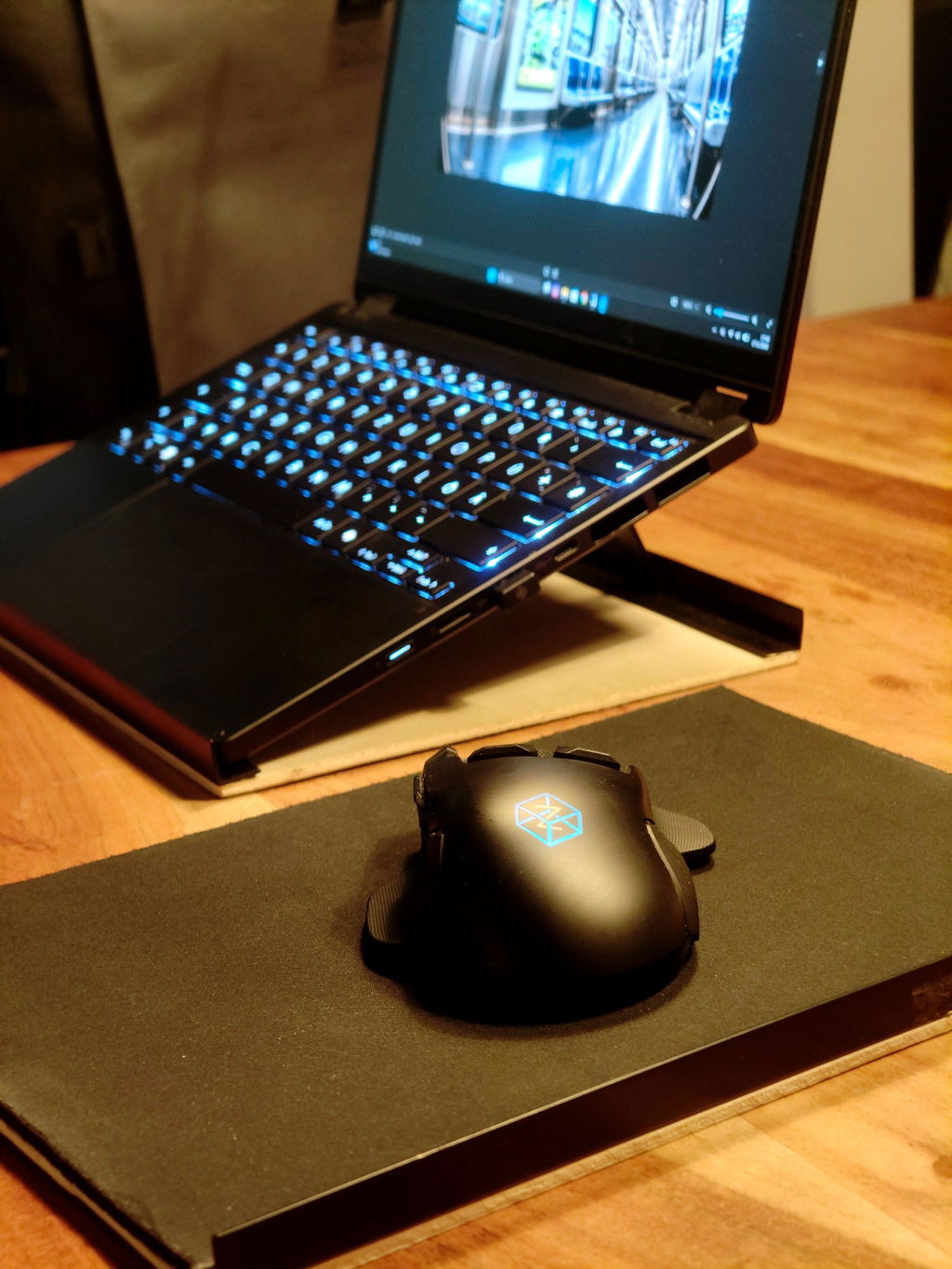
i would reccomend this mouse but here is some adjustments that are can make mouse better
1. cover right button from ring finger
grip type-best mouse shape for me is mx master 3 , i dont reccomend to change overall shape , but small piece of plastic near right button can make it a way better , my finger touching right button when its pressing (i have medium hands ) its same problem like on basilisk v3 ,but i like materails that a same with basilisk ,very durable plastic and rubber .
so not only me hold mouse by all finers (not just lay down on it ) when i need to move mouse left i touching this gap between button
2.make mouse feet better
i use soft mouse pad , and this feature tilting mouse make mouse scratching my mouse pad , so only after 1 day of use i polished this feet and now they are better , but anyway , some of my feet are look inside out bumb , feet shoud be rounded and outside bump to be best feet
3. tilt sensor , id like to use it ,but her eis problem, when i move my mouse on table i tilt mouse accidently , so binding something on it just immposible ,
it should be option to binf button+tilt imput to make it usable , but i didnot find it . and tilt can measure from 1degree to 5 degree , everything more its just not working ,also every side of tilt have different min angle , for example , left side start working from 1degree , while right side start working only 3degree,calibration does not help it
and something that i personally would like to see in future ,magnetic metal wheel with infinity scroll like mx master have , or at least like razer basilisk , that something i searching in mouses , i have both of them and gonna say mx master wheel is best mouse wheel that i touched ,
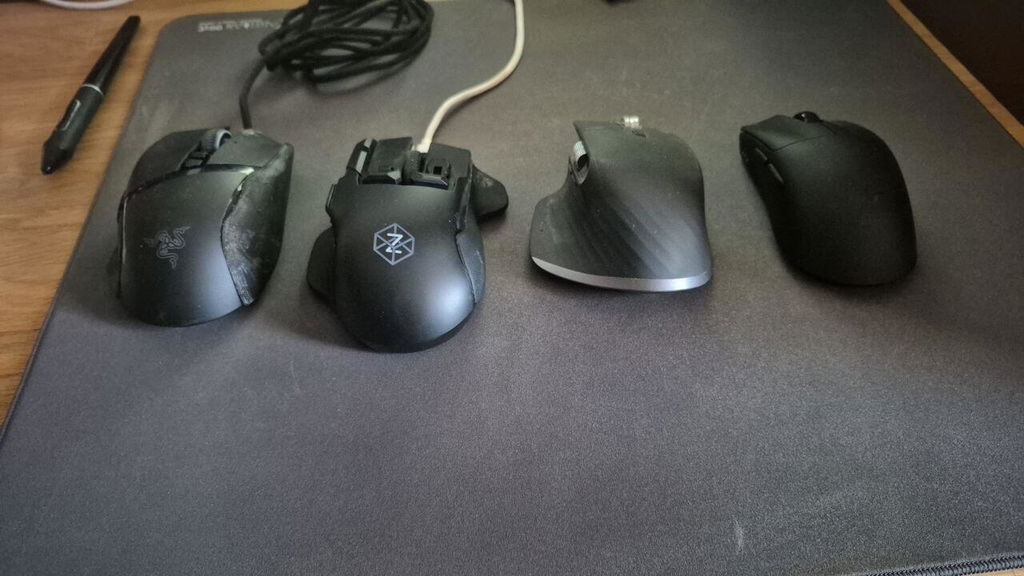
I have been waiting for a wireless version of the Z-series mouse. I am the type of user who wants a lots of buttons on my mouse. But not just a lot of buttons, I want it in ergonomic layout. This means, I had G700 but not G600 (Logitech). I had Roccat Tyon and their wireless mouse, the Leadr. The Leadr was the perfect mouse, but it kept breaking, I probably bought a dozen of those mice. The function "shift" function was a must because the amount of buttons ain't enough, it has to have layers. Enter the Z3...
WHAT I LIKE |+|
+ Tons of buttons in easy to reach layout.
+ Each button can be "shifted".
+ A couple of buttons are analog and can be layered (deep click).
+ Software is easy enough to use: and has easy and advanced mode.
+ Wired or wireless mode.
+ USB Dongle or Bluetooth mode.
+ Very comprehensive set of features
+ Display is useful for checking mouse status.
+ Travel case.
+ Customizable parts. This is useful because people have different hands.
+ On-board memory!!! I really hate that most modern mice lost this ability.
WHAT I DON'T LIKE |×|
× Sometimes, profile switching is stupid and won't switch.
× Firmware is a bit risky to update. I bricked my first dongle.
× Updating firmware might require two separate USB-A ports.
× Finicky when it comes to hub compatibility. It might show it's not connected, and you can get confused and end up bricking your dongle if you try to start using different ports or try re-pairing the dongle (for reference, I've put it in the same port as my XBOX wireless receiver)
WHAT I DON'T USE BUT IT'S THERE |+|
+ Mouse Tilt and all axis controls (yes, I am aware that was the "point" of this mouse).
What I WISH WAS THERE |×|
× I wish the middle finger had buttons, like the front/edge buttons but on the right side (See Roccat Leadr).
× Additional thumb button(s) wouldn't hurt. Like in the thumb rest (see Roccat mice, or Logitech Master series).
× ...or a thumb scroll wheel.
★★★★★ | 5 stars out of 5. I highly recommend this product. It is so worth the wait and the price.
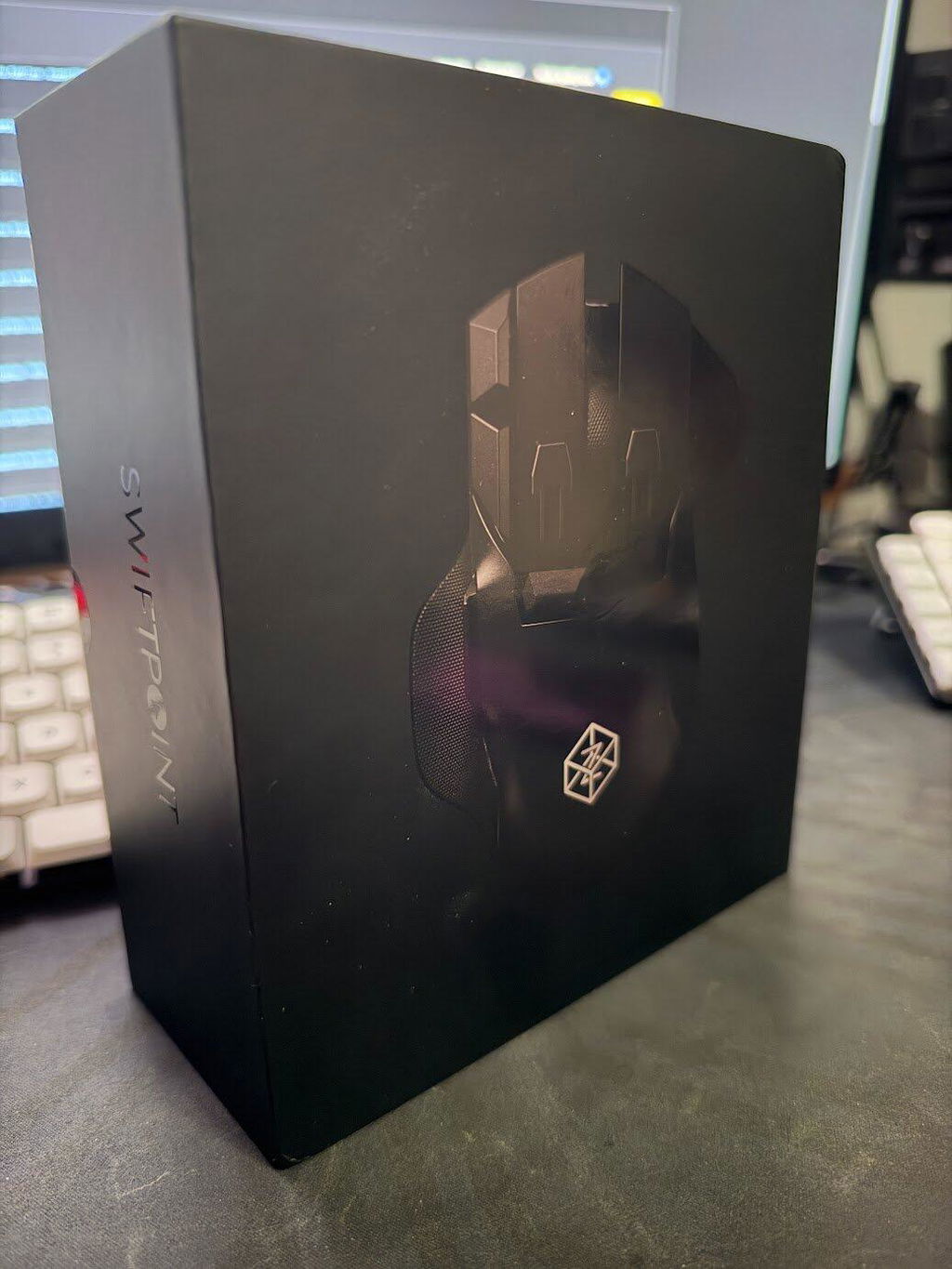
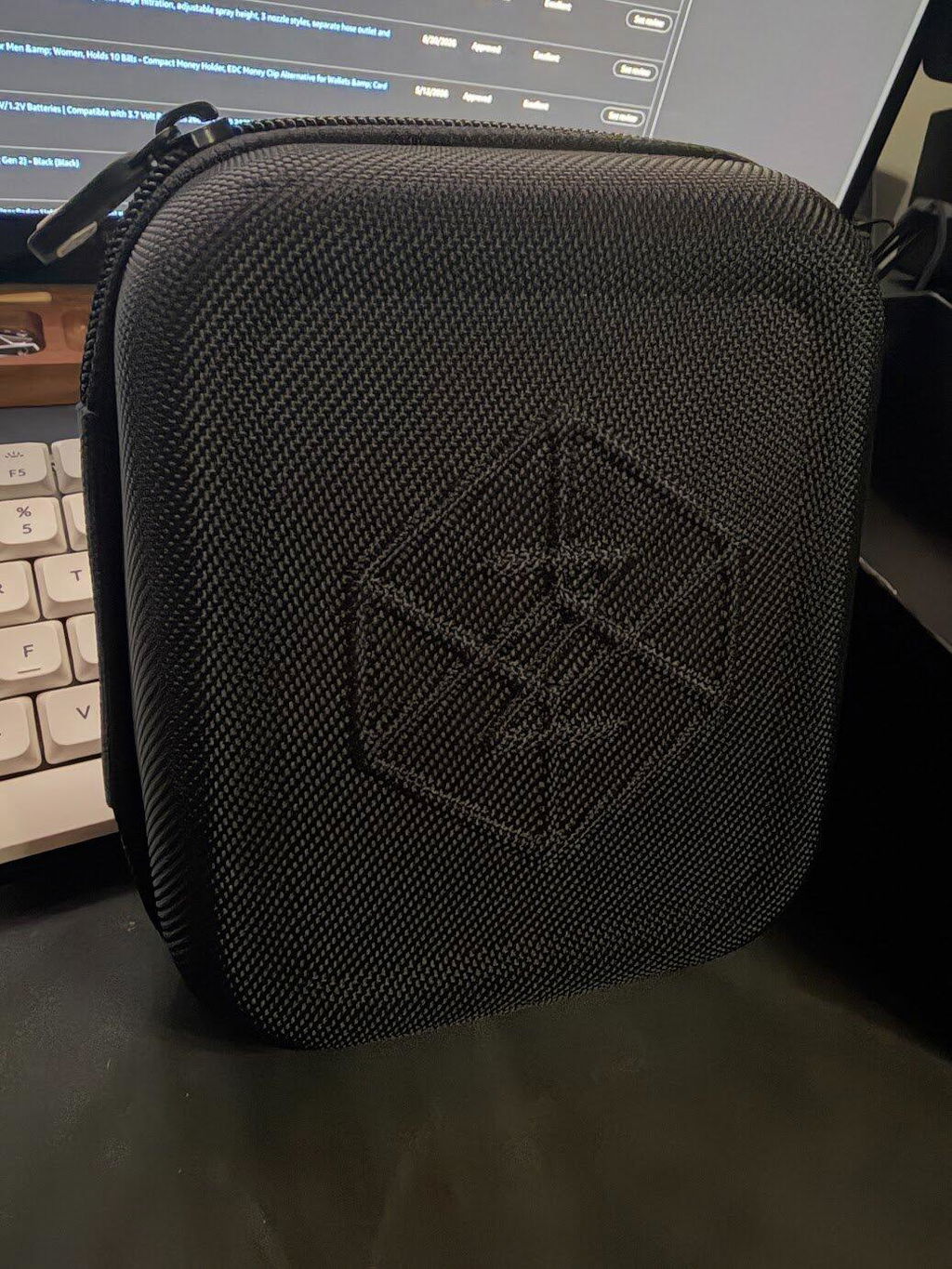
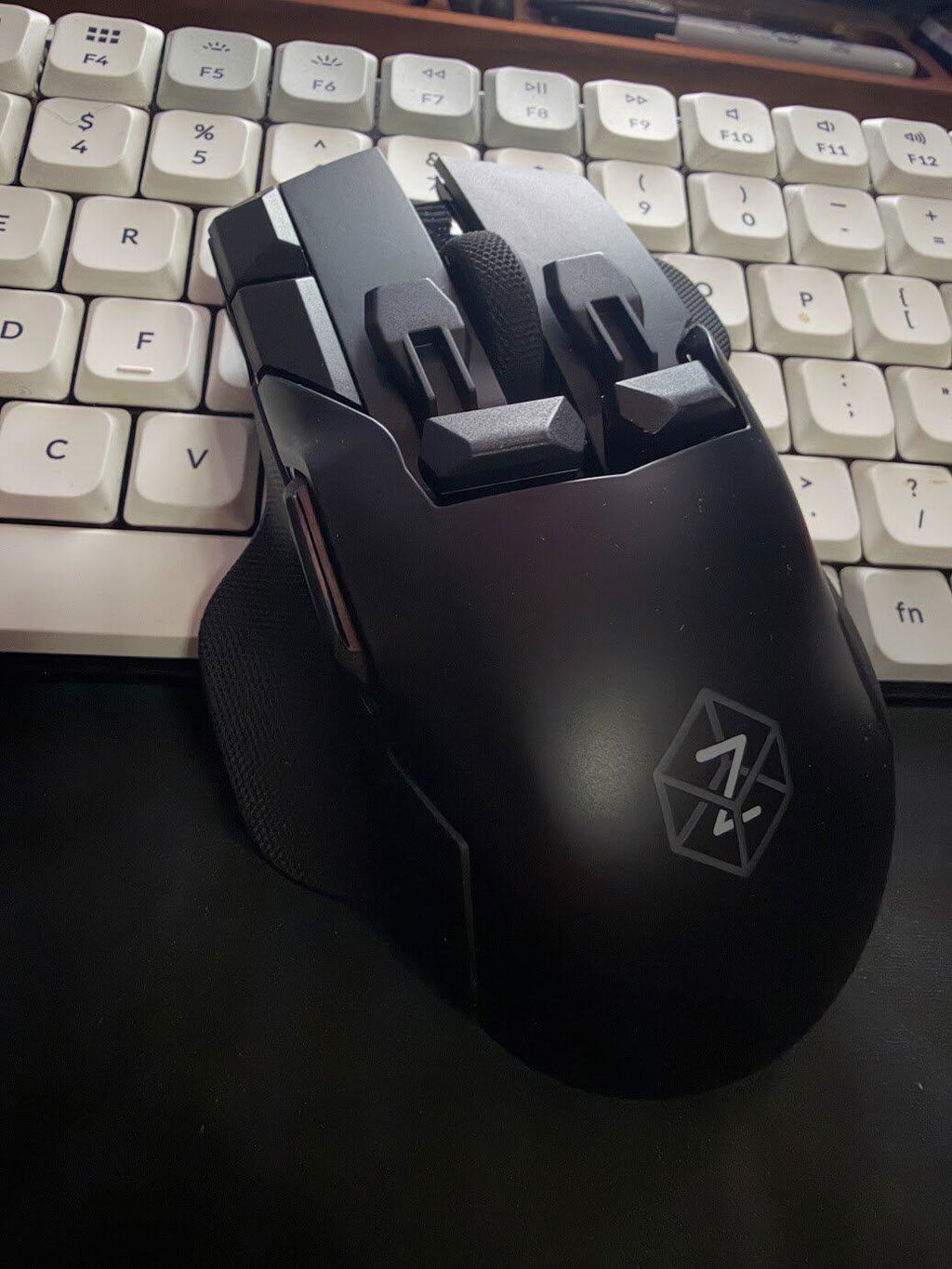
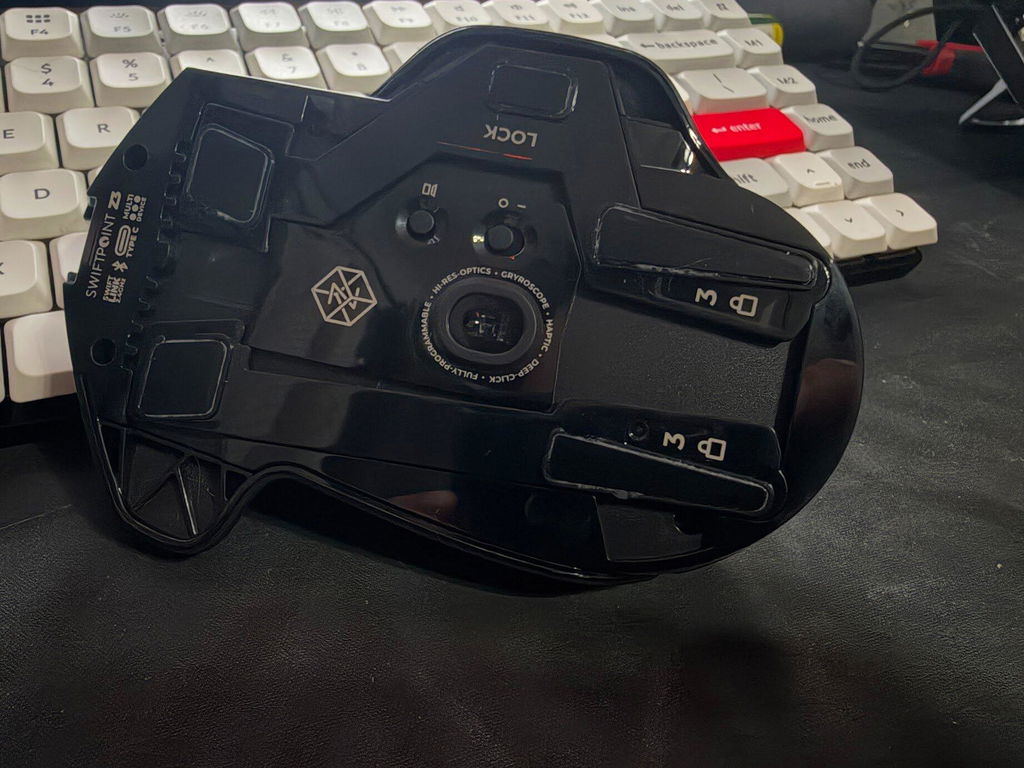
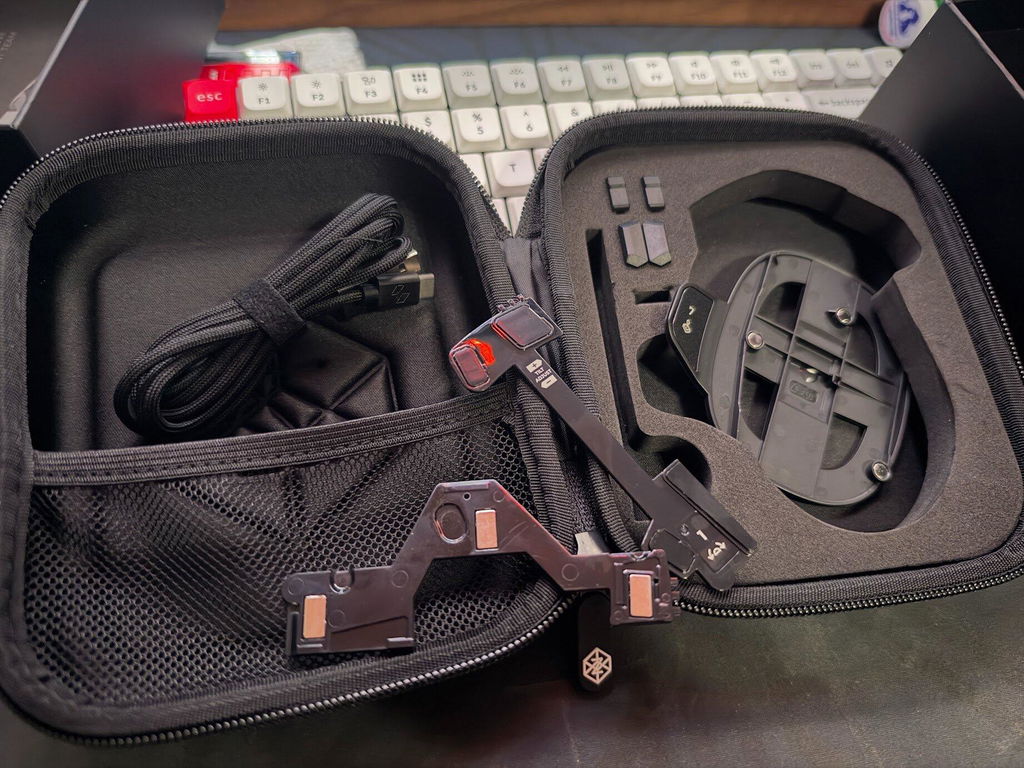
after using it for a few months I don't think I could ever go back to logitech/razer/corsair. I try to use my G502 once in a while and the only thing I can still use it for is Hitman WOA.
the biggest thing coming from a G502x with Ghub is the Swiftpoint X1 software. it's the star imo, the level of customizability is insane, it's actually overwhelming at first but once you get over the learning curve, it is seriously mindblowing in expert mode. you should download it and try it out. personally I have 150+ mappings and there's still so much room for more on the device memory. I haven't even put a dent in the onboard storage. my G502 limited me to 20ish mappings before I had to do manual profile switching to access a new layer.
infinite input nesting (g-shift) on/within every button is insane, the profile system is amazing, being able to pivot and tilt is so useful. the gyro and haptics are probably my favourite features, haptics are so crucial and extremely customizable (strength, duration) and you can put any amount of them anywhere in any mapping/macro/profile. the build quality is excellent imo, I like a device with some heft and I like the extra buttons too. this is not a lightweight e-sports mouse though it is still great for gaming.
the only thing I would like to see improvement on is overall button snappiness though that might be impossible with the analog pressure sensors, I find some of the buttons to have a millimeter of play than the G502 which was crisp.
I already know I'm going to pre-order the Swiftpoint Z4 mouse whenever they release it. also the discord was SOOOO helpful to me, I decided I had to reciprocate and started helping people out in return, great community! and if the community can't figure out a bug, the customer service was excellent, going way above and beyond.
also dual wielding Z3s is mad fun.
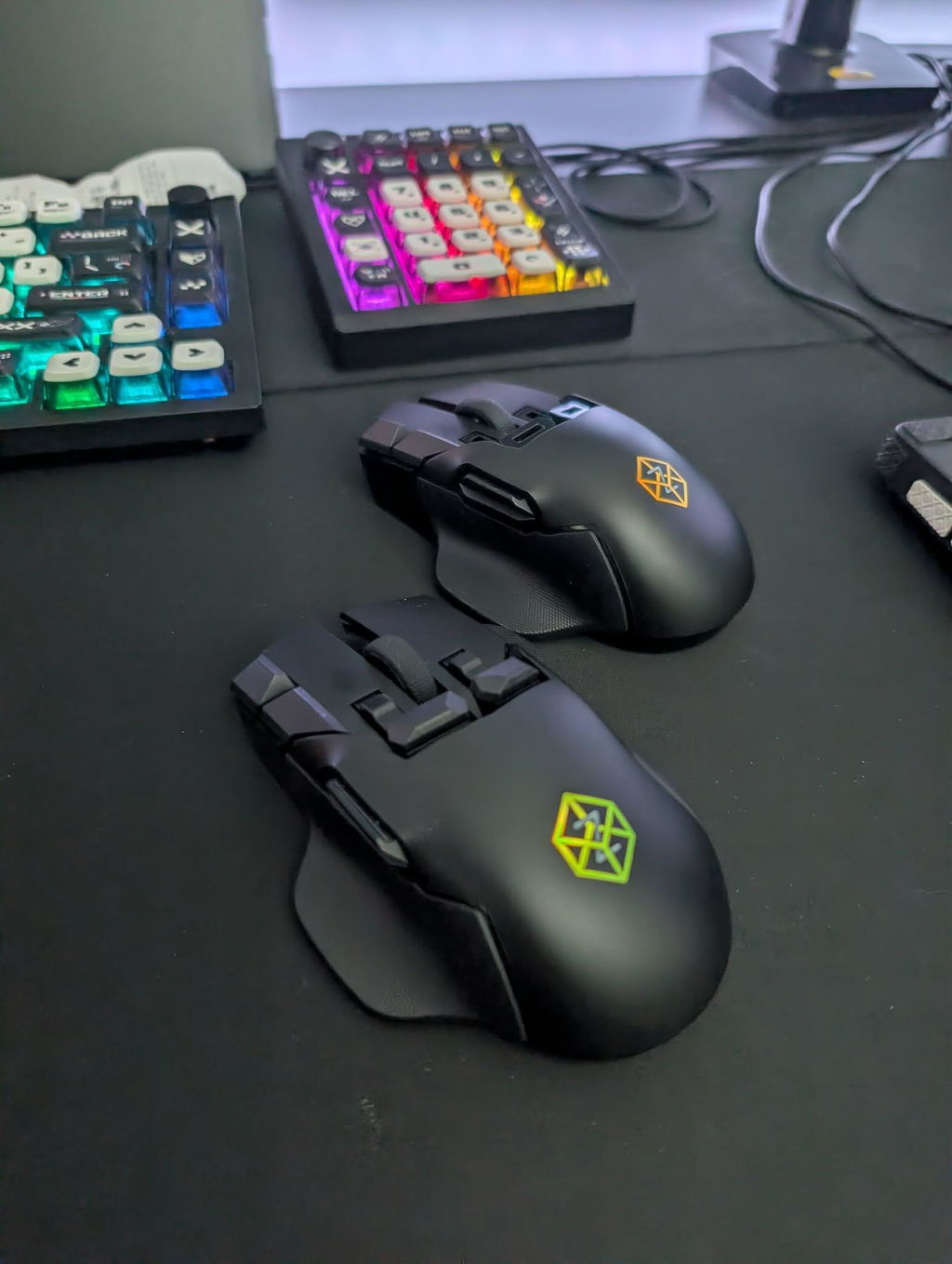
As a quadriplegic gamer with limited dexterity, finding hardware that adapts to my physical needs is incredibly difficult. The Z3 is an absolute game-changer. The sheer amount of deep customization and programmable inputs means I can offload complex keystrokes directly to my mouse hand, and I'm really impressed with the deep click feature. It’s become an essential part of my setup for streaming and playing titles like Star Citizen and Wardogs—the control it gives in games like these with FPS, ground vehicles, and flight all on one title is unmatched. Swiftpoint has built something truly special here. Highly recommended!
I’ve been gaming with Swiftpoint mice for years—the Tracer, Z1, Z2, and now the Z3; what makes it perfect is that it’s wireless and has a long battery life. Keep up the development—maybe a Z4 with various palm rest options?
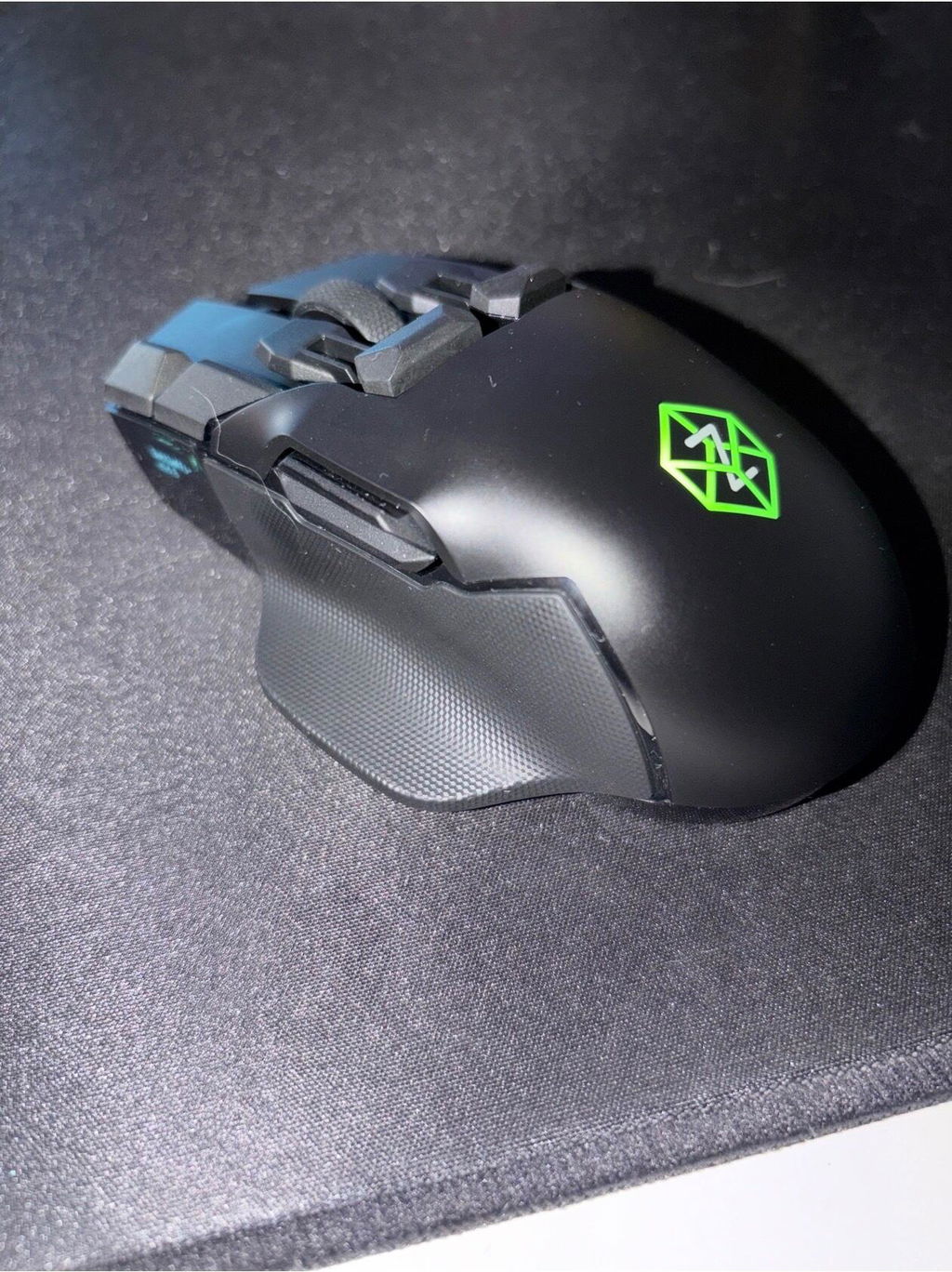
Improvements over the Z and Z2:
1. Linux firmware update support is finally here and it works just perfect!
2. Those pesky rubber inserts are finally gone. The new grippy surface feels much better and is easy to clean with a wet rag.
Apart from that: i didn't really care for wireless, but a) battery life has been amazing, b) switching to wired for charging is absolutely seamless and c) not having a cable turned out to be quite comfortable.
What i'm still missing would be a "smaller ass" so i could properly fingertip it. When claw gripping the back end pushes into my palm which is a bit annoying (plus i could never properly reach the front edge button and therefore never used it). Also i wouldn't mind two to three more buttons on the right side for my ring and pinky fingers as well as a third thumb button on the left side. The button and form situation would in theory cost it a star, but...
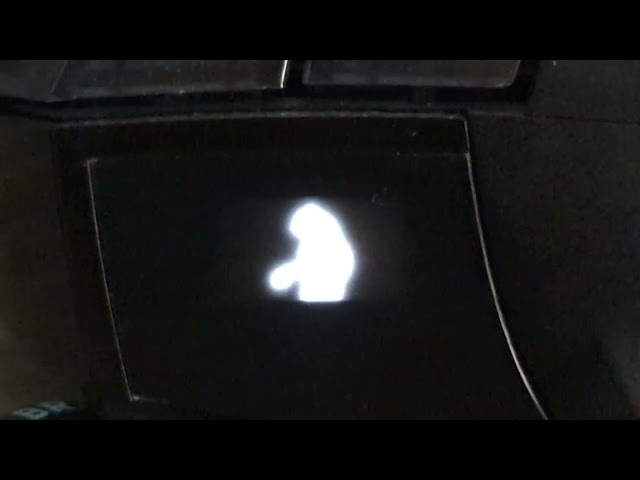
Best input device control software ever created - period. Bryce is an incredibly awesome dude with a heart of gold and control panel perfection must be his life goal or something. Other companies like to tell us customers to "buy the new product version" if we want that new feature - Swiftpoint on the other hand is in the same camp as Wooting and just supports whatever the hardware of previous generations allows. Sadly Linux firmware flashing is a hardware limitation and didn't spill over to the old mice, but all the new OLED bits? Fully supported. So when i say we can stream movies to the OLED via API or create images and even animations in the control panel, it's not really a rating of the Z3 but all Z series mice that sport an OLED. I've been around since the original Z kickstarter campaign and control panel development has been a constant ever since. This is worth more than one star alone, so instead of giving 4 stars because of the chassis design, i'd give 7 stars if i could because of X1 Control Panel and Bryce Maisey alone. Thanks man. Stay healthy and keep it up! <3 xoxo 'n all ;)
ps: video is of the Z2. As said above, such updates also apply to older mice, which is very very nice!
Best mouse iv had i love the design how it feels everything only thing to me is letting down is I think it need more mouse buttons on the software to use all buttons as you feel fit and it much better the my logitech mouse and am so glad to try your mouse for the first time and its the best one yet good work guys am well satisfied and i like the fact i can put my gamer tag on the mouse to loves it
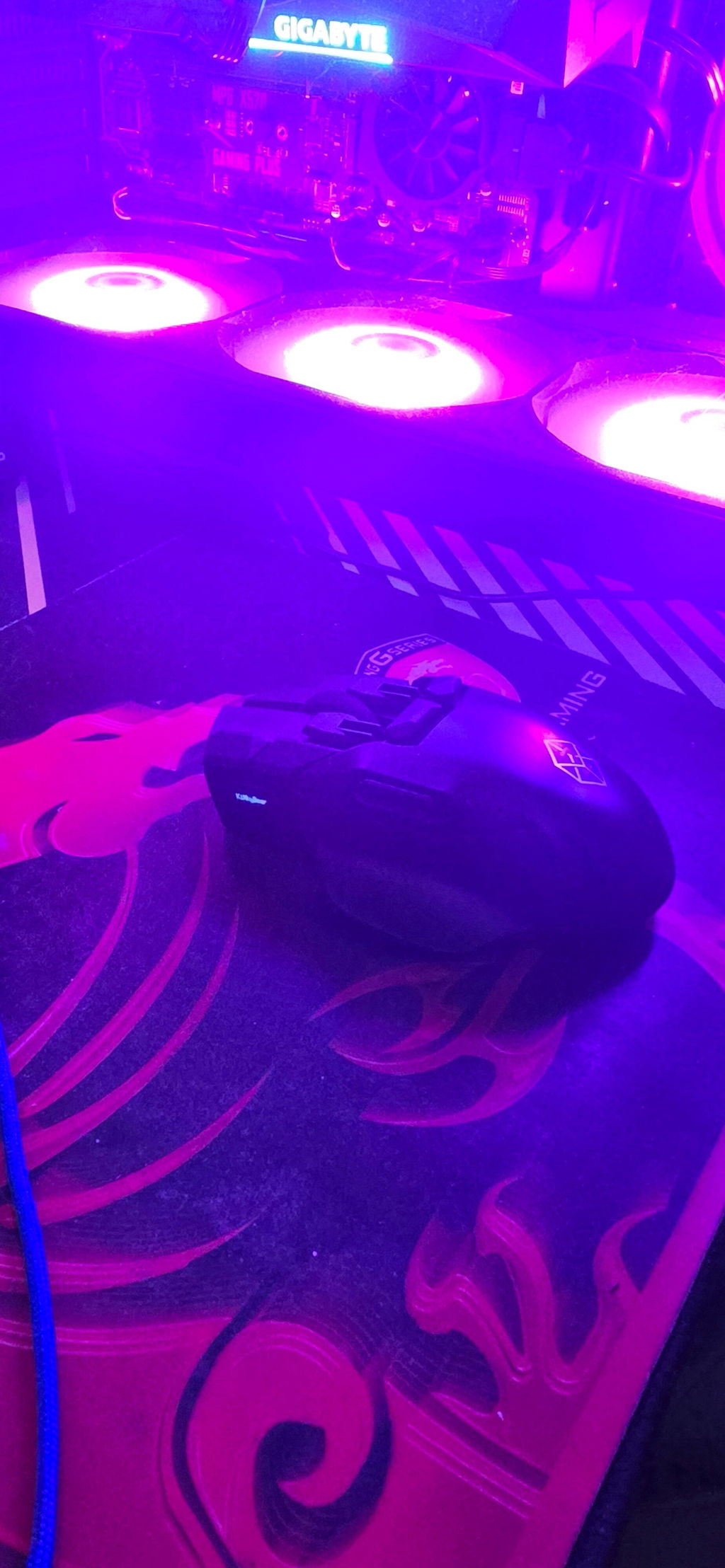
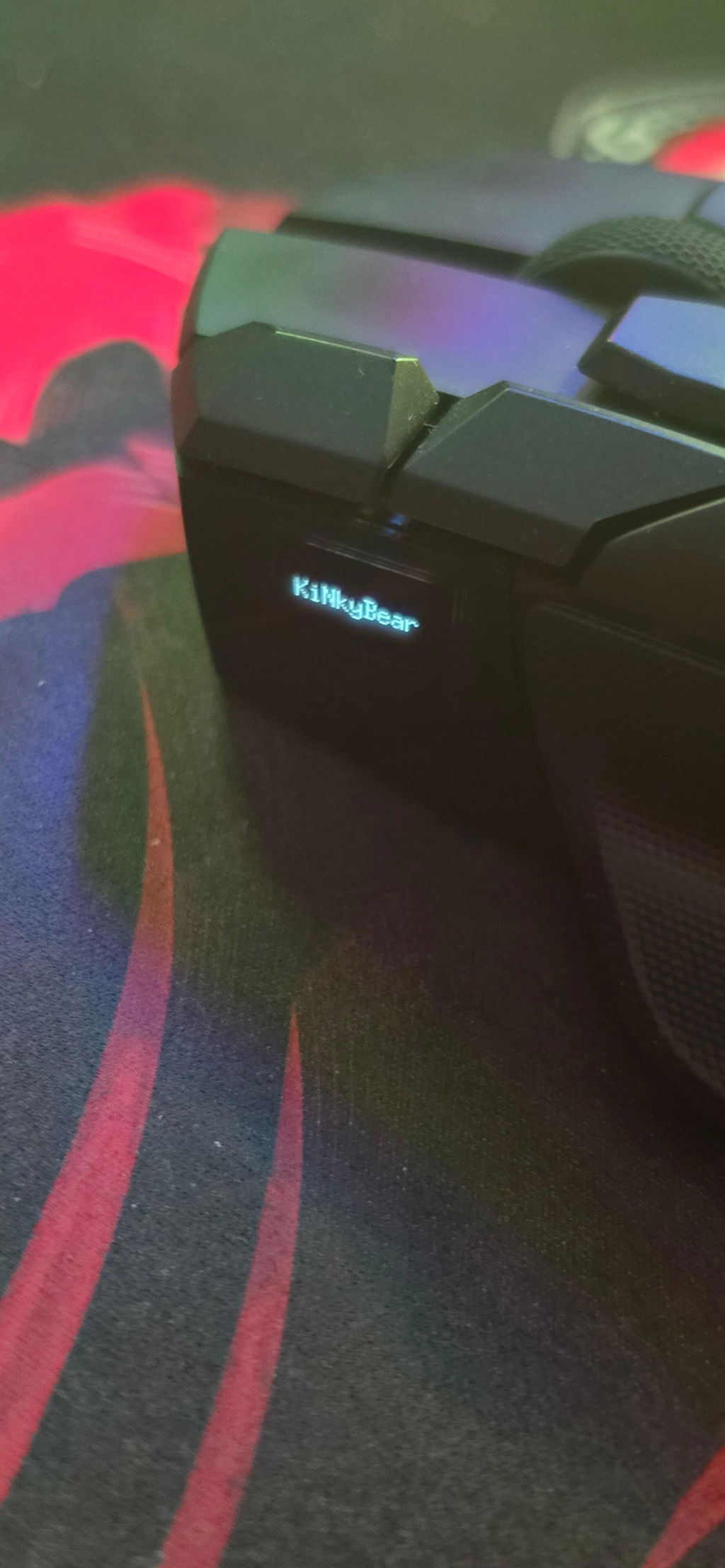
So for starters, since i had the Z2 I've considered it one of my best mice. i upgraded from a logitech G502 hero (the wireless one) which at the time for all my use cases the 502 was my favorite mouse. I did see Swiftpoints marketing on the tilt features and i liked the idea for some of the games i play. upon getting the Z2 it took some learning the mapping Application to get what i want out of it. Pro tip, due to it not being documented very much from what i can find. if you want to use the tilt function for a game that has tilt buttons but doesnt have native implementation for the mouse like some games have, i would suggest setting a button to be the Tilt Gyro Zeroing, i set mine for the middle mouse button so if the tilt features become out of wack or hard to set the sensitivity you can Zero the gyro angle, i also set the mouse display to have the tilt features displayed so i can better adjust the tilt thresholds set up better. Now for the Z3, probably the biggest downside to it, was i bought the Z2 and maybe 6 or so months later they were putting out advertising for the Z3. soo i think i did get a discount on the Z3 but as it sits now, now i have two "Z" mice from Swiftpoint. now as far as quality between the two, the Z3 Performs basically the exact same, which is saying a lot going from a wired only mouse to a wireless mouse, some would expect that theres latency but i havent found any even jumping the DPI up a good bit. there are a lot of features on this mouse i havent found a use for, this having a gyro in it, it has forward and aft functionality that i haven't used and it has capacitive buttons that i also have not used. but overall i really like my Z3 mouse, and being as i travel a lot, leaving the Z2 home and plugged into the desktop fits well and the Z3 out with me when i'm gone for weeks at work. as a secondary note for this, Swiftpoints software is exceptionally well set up, you gain the double edge sword of complication vs better functionality in advance mode, but i like advanced mode, it is a fantastic bit of software for these mice, and frankly, them releasing a tricked out mouse like this, having bad mapping software would have made the hardware kind of usless so, all in all. like 350- 400$ in mice (give or take) im very satisfied with the mice.
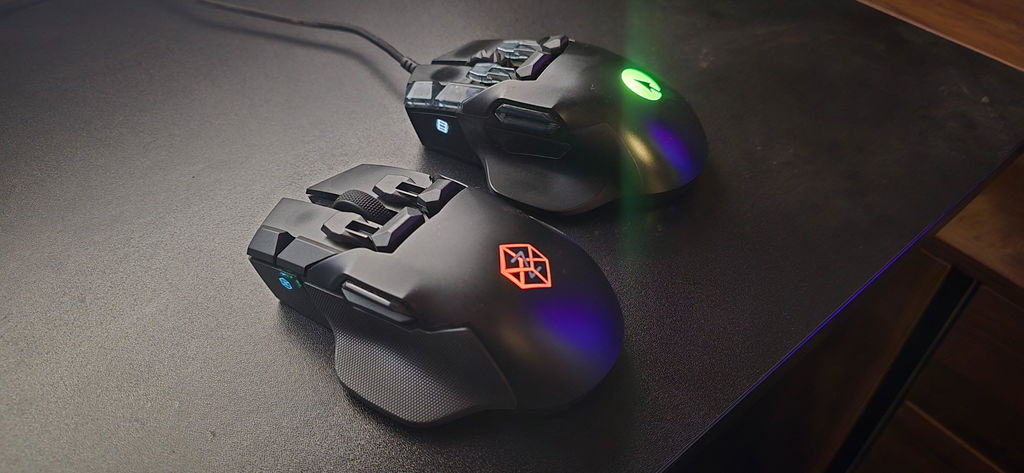
Bought my Z1 about 7 or so years ago when they recently came out. I said I would never switch to a different mouse. I was pretty disappointed by the Z2 as I felt it lost a lot of the beauty/looks that made the Z so unique. I never ended up picking a Z2 up and told myself I will ride this mouse out till the end waiting for the 3rd generation.
The Z3 is exactly what I wanted in an upgrade. It's lighter, has more sensitive and pressure pad accuracy; it actually feels like an upgrade that I was happy to wait for.
Sure it hasn't been perfect. The shipping was a bit nail biting when the carrier said they lost the package entirely (which is totally on Yanwen, not Swiftpoint). But every step of the way Aidan was accommodating, understanding, and actually cared about responding in the best possible way.
The software still needs some work. Here and there I will get a few disconnects on wireless and check daily for updates. It has gotten much better since I first got it. I know they are working out the bugs, it should be expected with any new product, but their history is what gives me confidence.
The Z1 was the only surviving thing through all the college years of late nights, moving to new apartments, even a new city. As my setup adapted, there was always the constant. The Z1.
The Swiftpoint products are solid to begin with, but add the customer service, transparency, and striving for the ultimate goal of just "getting it right", these guys nail it. I'll never buy another mouse brand again.
Keep up the great Swiftpoint. You listened to what your customers wanted and delivered right on the money. Keep progressing, keep innovating. You certainly have my support in the future.
Excuse the very rough looking Z1 in the picture, it has been through a lot lol
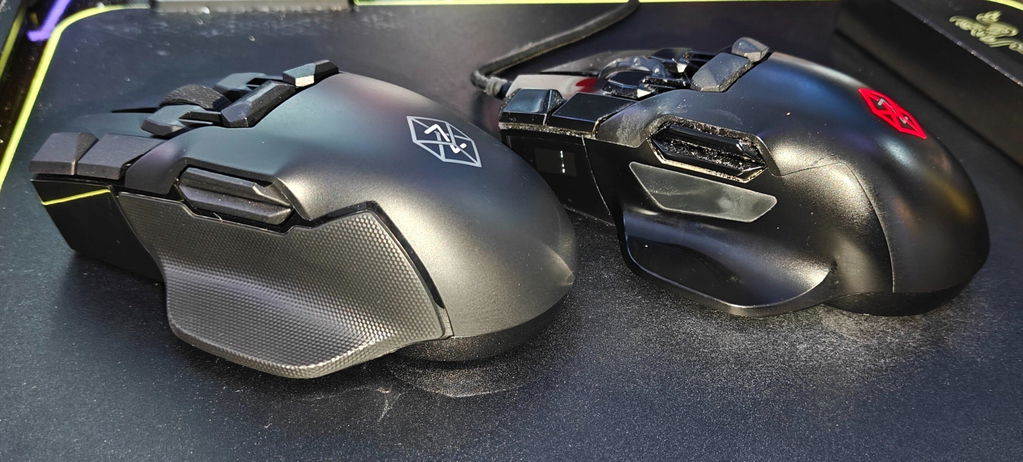
Honestly the best all around gaming mouse I've ever used. I can't tell you the last time ive had issues setting up keybinds for a new game.
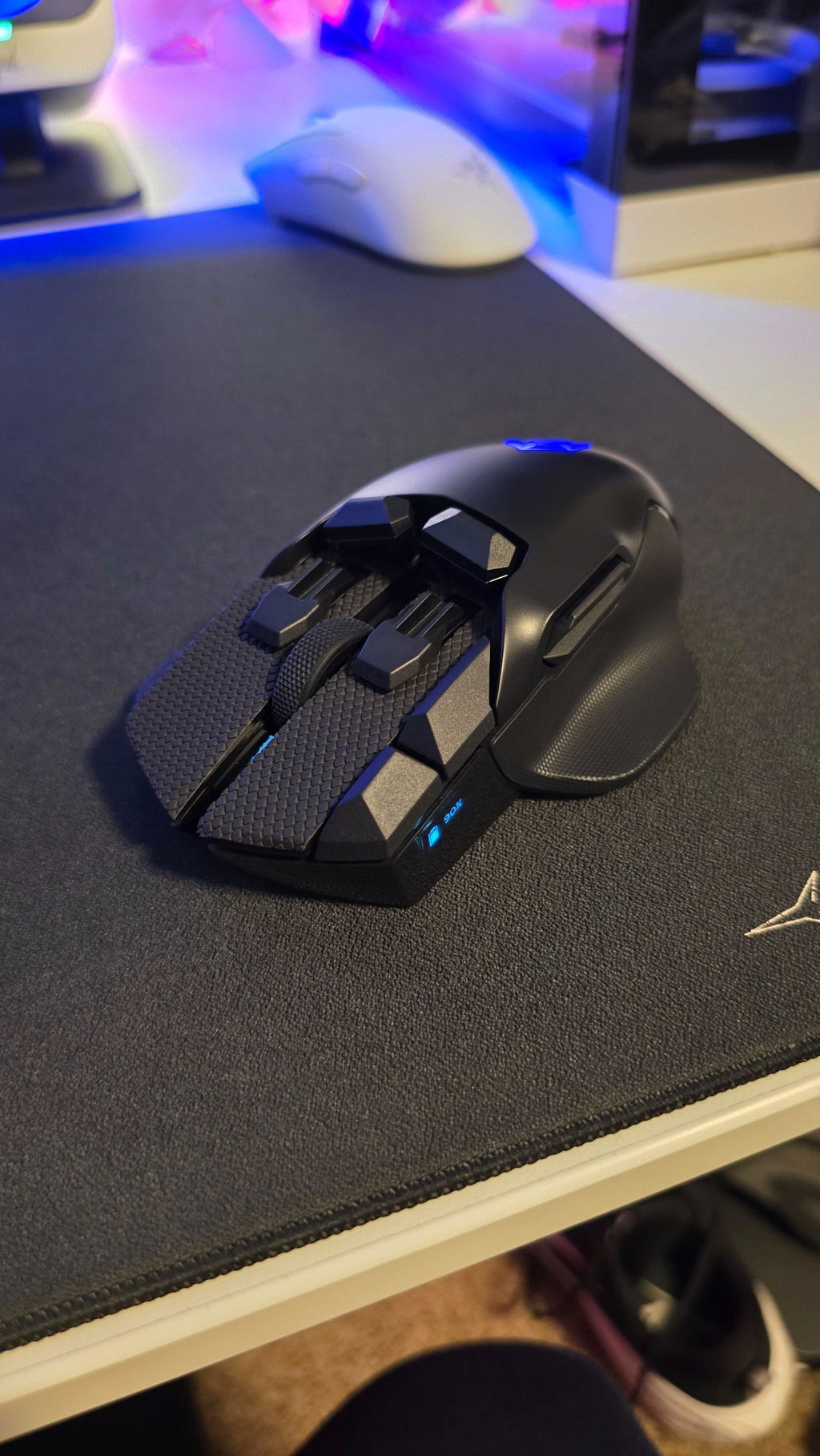
Yes, I do. It is the most versatile mouse I've ever owned. I like it so much that I just ordered another one as a backup.

Such a precise haptic all around device. You can use this mouse as a flight stick due to its gyro!! There is a swivel base that magnetically attaches. The mouse has granular adjustments available for tilting to the side as well during an FPS match. You can even tilt it to the side to adjust settings like the DPI by moving the scroll wheel up and down. You will receive a haptic vibration when you're in the settings config mode. All the buttons on this are strategically placed. I play a lot of Destiny and division 2 and you basically don't even have to mess with the keyboard once you get all your bindings dialed in. Technically you could play without a keyboard if you wanted and it would feel quite nice (directional movement was a bit tricky). It's heavy but I own a Logitech super strike mouse and I prefer this after getting used to it. Having both doesn't hurt though 😉. There's basically no latency with the dongle it feels snappier without the cable and the battery life is pretty great.
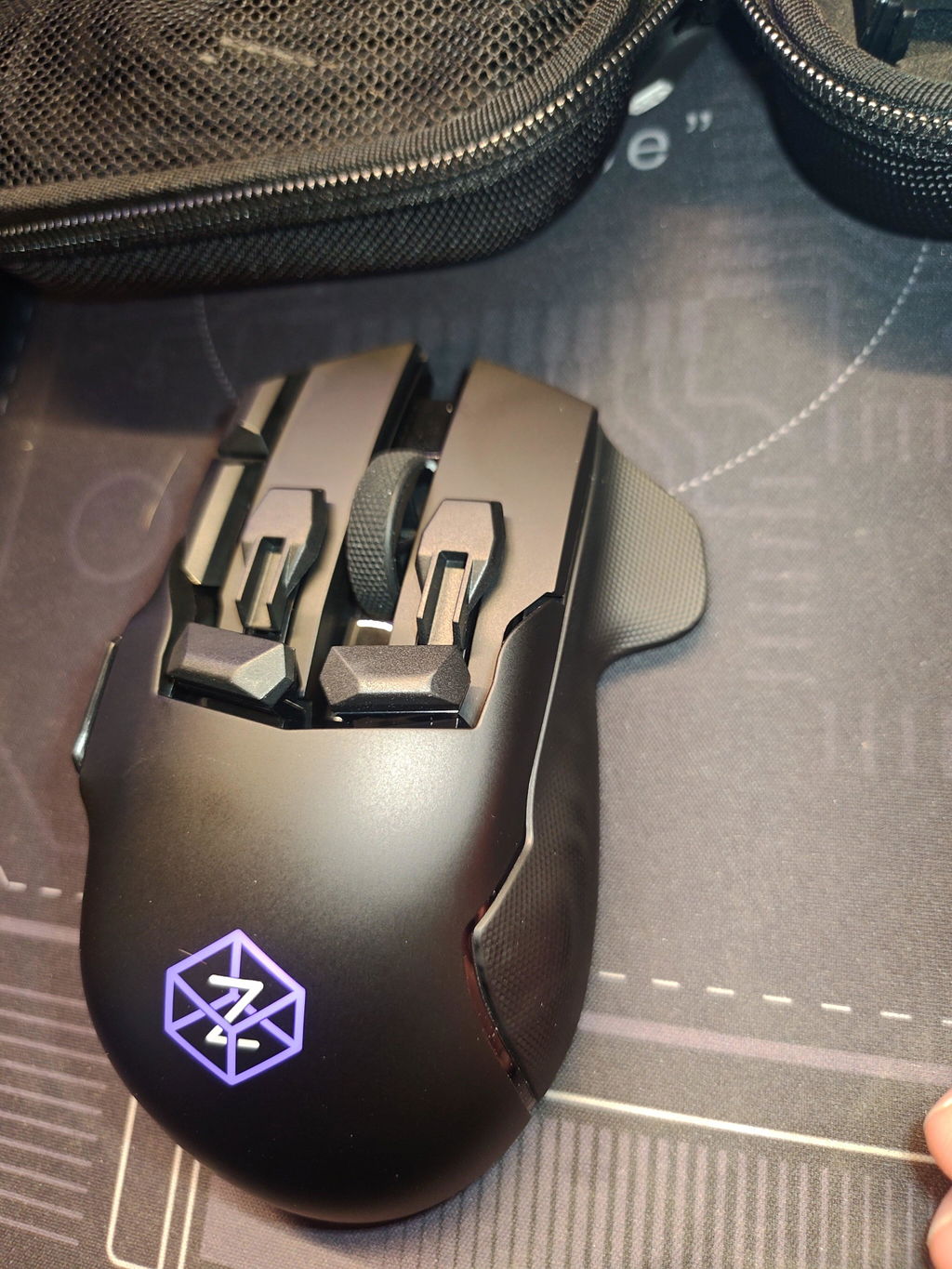
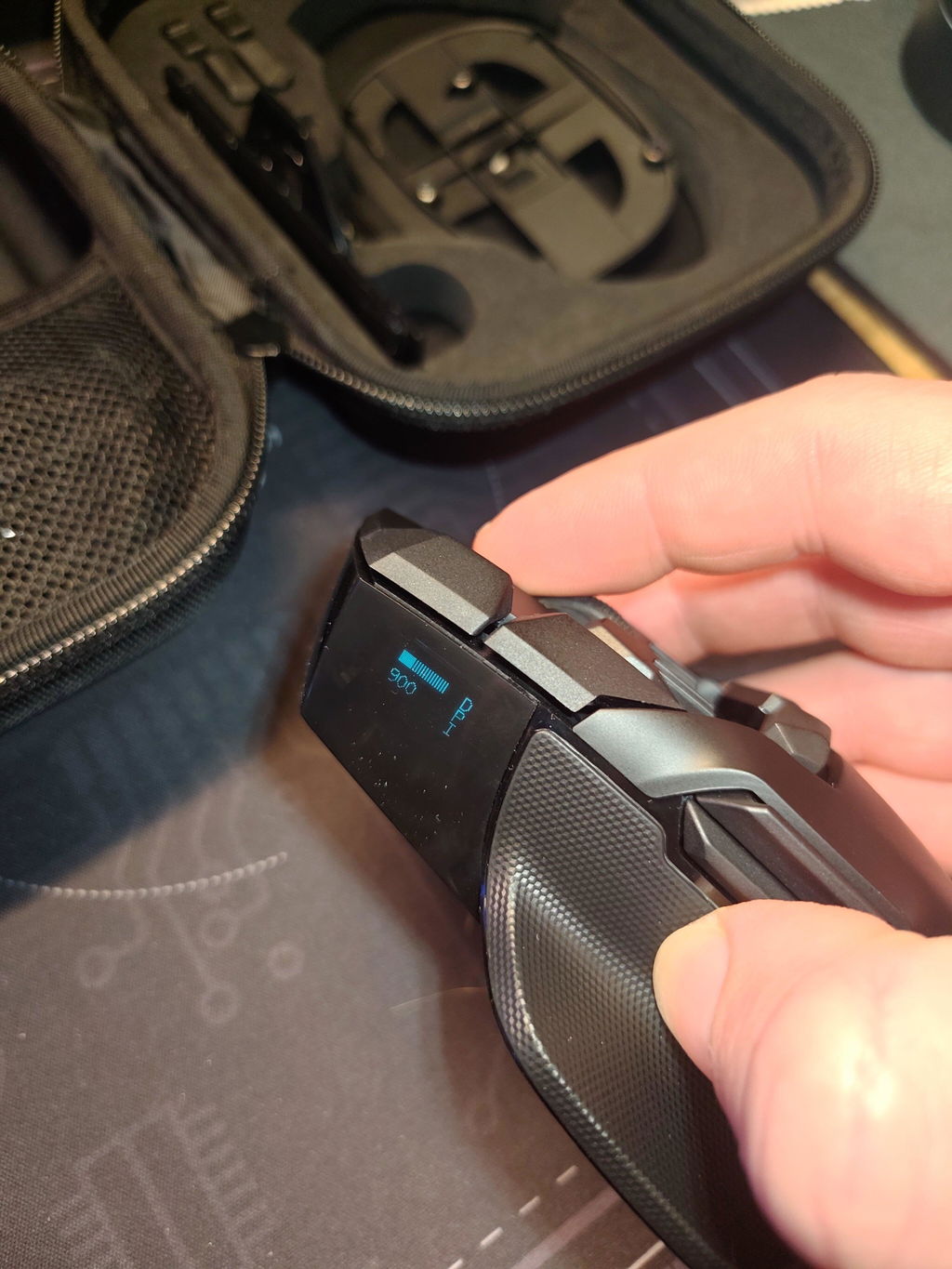
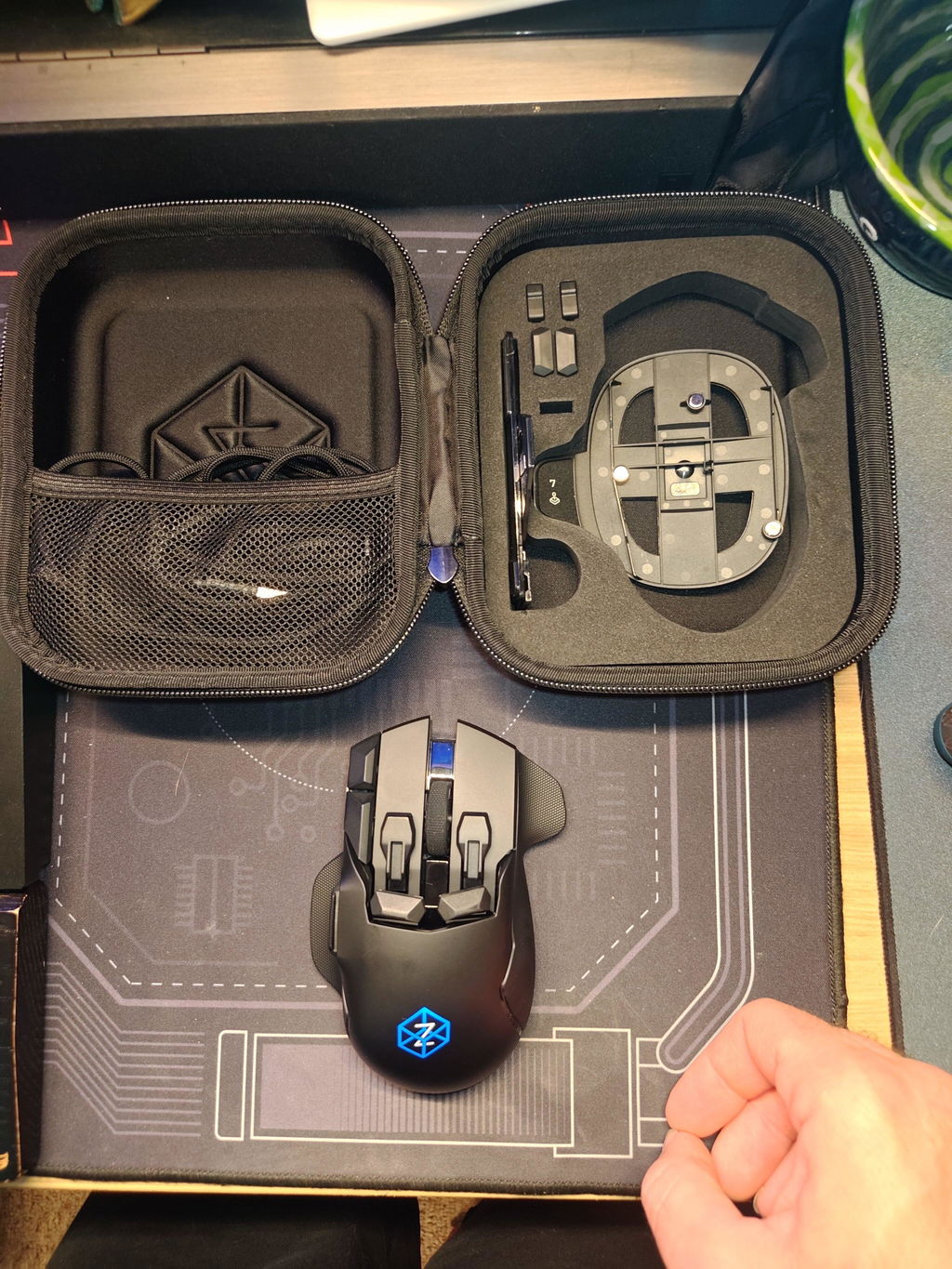
This mouse has been a great purchase. It's my daily driver for my set up. I also use linux and the software is working as needed. I definitely recomend it.
Pair this along with Azeron's gamepads and you have the best setup for nearly every game. I would love if these 2 companies did a collaboration!
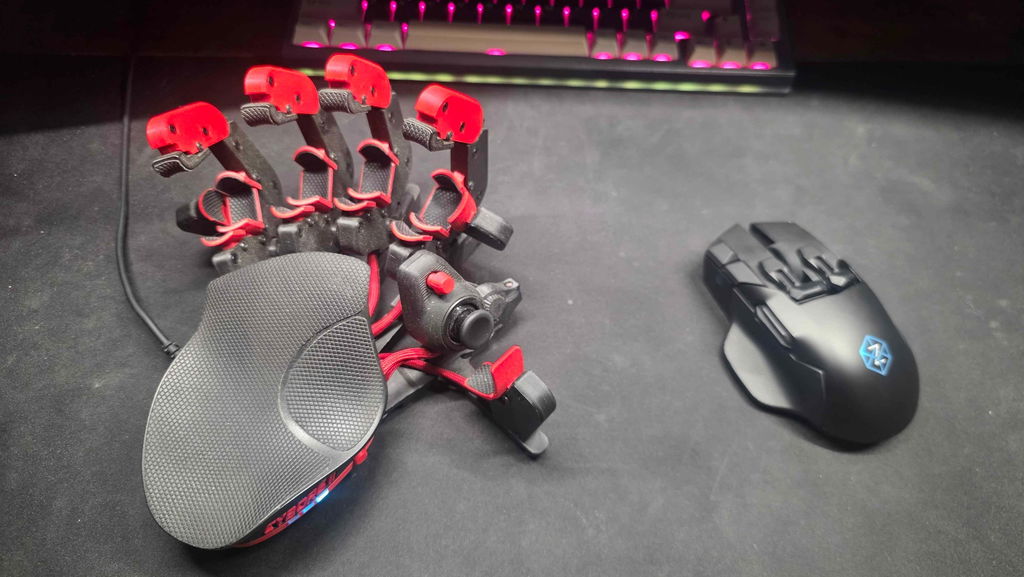
I went through a dozen really expensive mice before I started with the z2, and its the only one that fit my hand, and my workflow as I needed. It was a joy to setup and use. Moving to the new Z3, its only gotten better. The new grips, the wireless system, the multi-device ease of switching are all upgrades from the Z2. Just the wireless alone makes it all worth it, i am always mobile, using three different computers, its so easy to bring my Z with me now and all the settings store on the mouse so I don’t have to spend any time setting it up! Ergos are perfect, weight is dialed in, and its the most cross platform friendly mouse ever. I don’t game, and finding a flexible programmable mouse that doesn’t look like a controller from a sci-fi movie is ideal. All in all its a spendy but worth it unit.
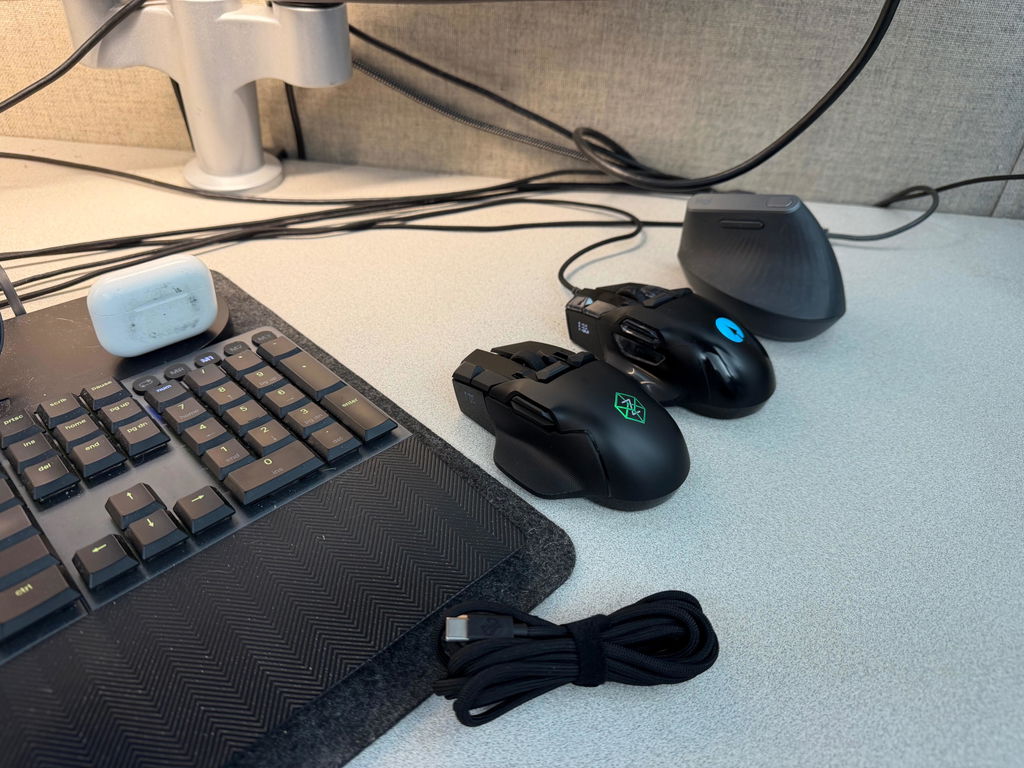
My company purchased this mouse on behalf of Tim Ivory and here is his review: As a Mechanical/Piping Designer working daily in CADWorx, AutoCAD, point cloud environments, and large engineering models, I'm constantly looking for tools that improve efficiency without adding complexity. The Swiftpoint Z3 has exceeded every expectation and has become one of the most innovative peripherals I've ever used.
What immediately sets the Z3 apart is that it isn't just a mouse. It's a productivity platform. Between the customizable buttons, tilt gestures, deep pressure clicks, and motion controls, the amount of functionality available is incredible. Tasks that normally require moving my hand to the keyboard can now be executed directly from the mouse, significantly reducing interruptions to my workflow.
The ergonomics are outstanding. Long hours of design work can be demanding, but the Z3's shape provides excellent support and feels natural during extended sessions. The ability to rest my hand comfortably while maintaining precise control makes a noticeable difference at the end of a long workday.
Precision is another area where the Z3 shines. Whether I'm navigating a complex refinery model, manipulating 3D point cloud data, reviewing fabrication drawings, or performing detailed design checks, the tracking is exceptionally smooth and accurate. Fine movements feel effortless and deliberate.
Where the Z3 truly becomes a game-changer is customization. The configuration software allows you to tailor the device to your exact workflow. I've created shortcuts and commands that save countless clicks throughout the day. Once configured, it feels less like using a mouse and more like operating a control center specifically designed for how I work.
What surprised me most is how quickly I became dependent on features I initially considered "extras." Pressure-sensitive clicks, gesture controls, and programmable actions have all become second nature. Returning to a traditional mouse now feels like taking several steps backward in productivity.
Pros:
Exceptional customization options
Excellent ergonomics for all-day use
Highly accurate tracking and control
Reduces keyboard dependency
Powerful workflow automation capabilities
Ideal for CAD, engineering, design, and productivity applications
Premium build quality
Cons:
Learning curve for advanced features
You'll likely spend time fine-tuning profiles because there are so many possibilities
Going back to a standard mouse becomes difficult
Final Verdict:
The Swiftpoint Z3 is one of those rare products that genuinely changes how you interact with your computer. For professionals who spend their day designing, engineering, modeling, editing, or working across multiple applications, it offers productivity gains that are difficult to achieve through software alone. It isn't the cheapest mouse on the market, but it delivers value far beyond its price through efficiency, comfort, and customization.
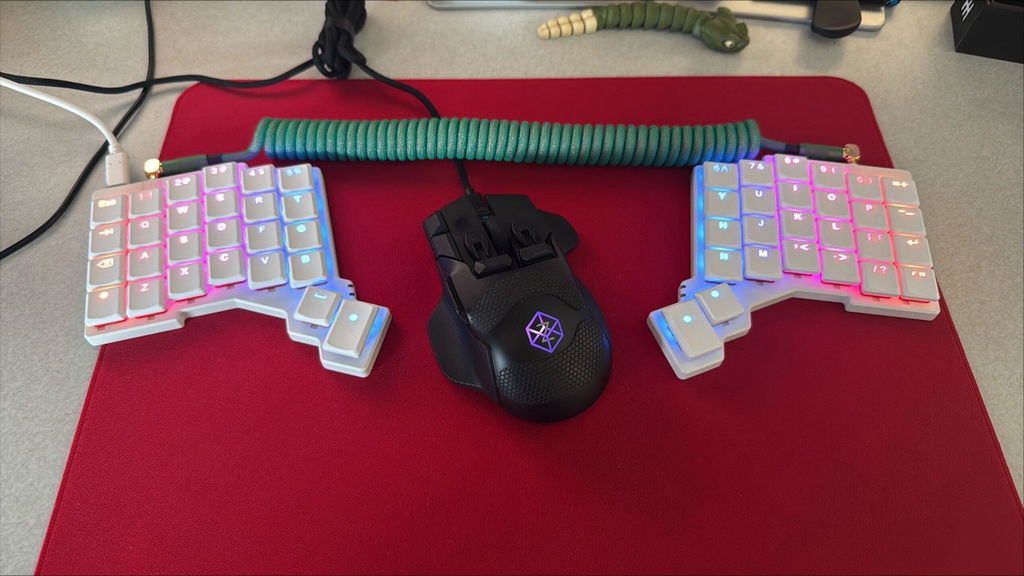
For me, the Swiftpoint Z3 has become as essential to my workflow as my ZSA Voyager keyboard. It's no longer just a peripheral; it's a competitive advantage.