


SEE IT IN ACTION
Fast Charge
Productivity Wheel
Presentation
3 Buttons, One Grip
Tilt Gestures
Ergonomics
Love the feel and functionality (and small size). Helps out my hand and wrist in a more comfortable and ergonomic position. Great to travel with as well. Highly recommend!
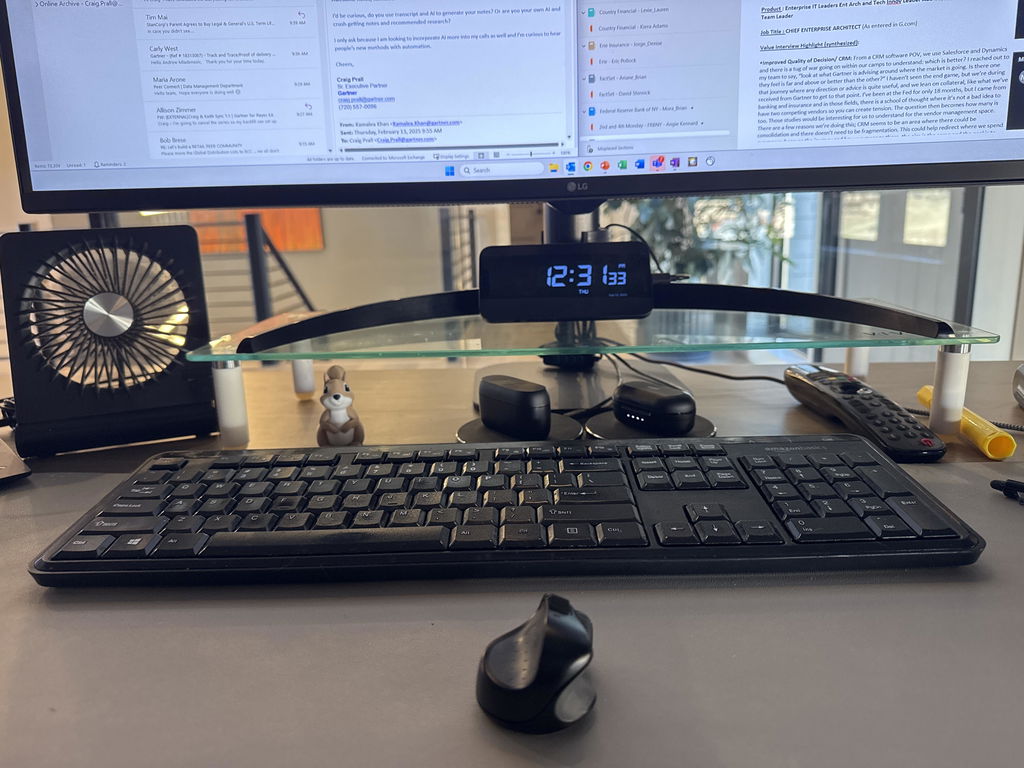
In 2011 this little device was invented in New Zealand and I bought one. It revolutionised the way I interface with my computer. Previously I had to move my hand with a mouse while keeping my arm suspended, which is tiring. With a Swiftpoint I can rest my wrist and just use my thumb and four fingers like writing. With this more precise control the tracking can be adjusted so less surface is required perfect for a laptop. Of course being smaller the Swiftpoint is far less inertia requiring much less effort to move it. This makes for more accurate interaction with computer applications. As a photographer I also do a lot of photo editing and retouching. I've been using Swiftpoint for 13 years now and could never go back to a mouse. Swiftpoint and a laptop can be used anywhere.

It's such an amazing tiny little mouse. But Functions as you would expect from a normal mouse. You hold quite similar to as you would a pen or stylus. It's generally quite comfortable. I had my doubts about it as first but since I've been using it the last year or so it's been quite good. I mean you get the full functionality you would off of a normal mouse, you don't get as tired or fatigued as you would using my normal size mouse and you can use it in places where you wouldn't normally have space to use a normal size mouse. Such as on your lap, when you're commuting with your laptop. It's a game changer. If you're used to using a stylus, or you get hand cramps from using large mice you should check this one out because given its size and functionality it's pretty decent.
I use the ProPoint as part of my home office setup. I don't have a lot of space so the small form factor of the mouse itself really makes the most of the available space. Before using the ProPoint I was using a basic wired Microsoft optical mouse. ProPoint makes much more use of the space available to me. Switching to ProPoint not only gave me greater freedom of movement, it also retained all the same functionality as my old mouse, as well as adding extra features such as side scroll and presenter mode.
As a left hander I was particularly nervous about how this would work. Upon using it I find it quite natural now that my hand just finds the right places. I can access all the buttons and all the different modes and it just works really well.
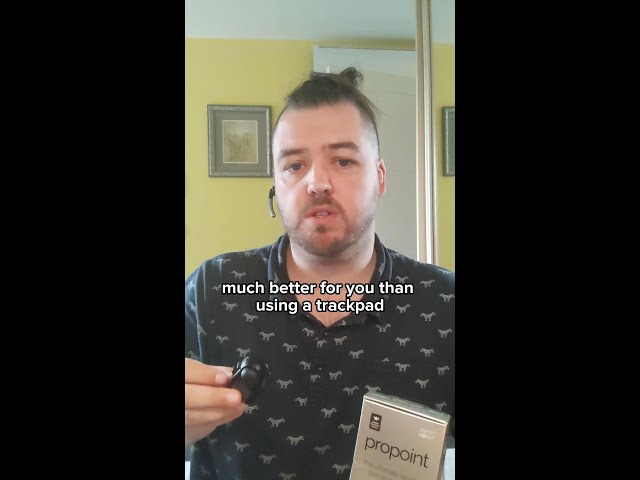
8 years of solid use and still the perfect choice for me.

A Better Way To Mouse.

The ProPoint is perfect for uneven, small surfaces. Scrolling feels natural and for people with small hands and small luggage space, the ProPoint fits great!
Customer Service is quick, very friendly and understanding.
However, the ProPoint itself is not for everyone. Big hands and use cases which require fast and accurate mouse movement are hard with the propoint. Battery life is also a little less than we'd hoped.The accompanying software leaves some polish to be desired.
All in all, the product fills the need it is supposed to, all the while leaving some room for improvement. Thank you Swiftpoint team for your support and product!
I’ve had a Swift point for about five years and it’s just worn out. So have bought two new ones one for HOME and one for the office so I never have to be without it. Tried to go back to an ordinary Mouse but it just didn’t cut the mustard.
Thanks Swift point
This is my 2nd? 3rd? Swiftpoint. I have always had the small “pen grip” Swiftpoints and to say I like it would be an understatement. From the original to the GT and now Propoint. I originally got it when I traveled a lot for work and there was no internet on planes or entertainment systems, so i would work. But if you have ever had to do spreadsheets, on a laptop, on a plane with no mouse, you’ll know my pain. Anyway got my first Swiftpoint and even though I don’t travel anymore, the grip and functionality is everything I need, takes up minimal space and it s. It has to have been 10-15 years and I have my fingers crossed that they never stop making these!
This mouse is perfect, the case protects it in my luggage, as my last one got crushed between my things. The mouse also has great functionality with all the features of a normal mouse and the added benefit of having a 3rd button.
This is my second purchase. I bought the first one through Amazon Japan.
This time, however, I couldn’t find it there, so I purchased it directly from your website.
I would be very happy if it became available on Amazon Japan again in the future.
Sincerely yours,
The ProPoint is genuinely the best mouse I’ve ever owned—and I’ve tried plenty over the years. I was one of the early Swiftpoint adopters nearly 16 years ago, so I’ve watched the products evolve from the beginning.
The ProPoint is comfortable, precise, remarkably portable and very intuitive once you get used to it. It’s especially good when travelling or working in tight spaces, but it’s also become my everyday mouse. Swiftpoint has taken an already clever concept and refined it into an outstanding product. I wouldn’t want to go back to a conventional mouse.
This mouse charges fast, improves my productivity with its app and is amazing for travel. Iv owned mine for several years and it has served me very well.
Feels great, works well.
Unfortunately, I used to have the tilt function bound to Mouse 3 (middle button) on my Swiftpoint-GT, and it was very useful for my work in 3D software. This is not an option on the P3 Control Panel, despite the fact that the hardware should support this. Because of this, I have reverted back to using my old GT.
At first, it felt a bit uncomfortable because I wasn’t used to the new hand position. Charging was also a bit of a hassle since it requires an adapter (by pure coincidence, I didn’t have a single USB-A port at home).
After using it for a few days, I happened to switch back to my old regular mouse, and that’s when I really noticed the difference. The old one suddenly felt so much less comfortable. Even with the slight drawbacks, I don’t think I can go back now.
ProPoint
The ProPoint improves on an already stellar product. The action is even smoother. And --- to my surprise --- I rather like the intuitive pop-up menu. Which is as easily ignored as put to good use, depending on your habits or passing mood. Excellent stuff. Like the original, an absolute bargain for the high quality and unique tool that you get. Continued thanks for doing this so well.
It's a great mouse if you have the patience for your beginners learning curve. After use in a professional setting, I now prefer it to a standard mouse. I would say wrist comfortability would depend on your existing wrist health and your needs. I am in excel sheets and various programs requiring small movements
See review title. Then buy this mouse.
I'm a Designer and Draftsman and am on my computer all day! I will NEVER be without a Propoint. Infact, I purchased a second one as a backup...just incase!
this is the perfect mouse for all tasks. even gaming. well almost perfect for gaming
just a few things that the tilt gestures need to be less restrictive in that they are allowed to bind to.
if there was more a pressure "squeeze" gesture i think it would be better. especially for something like right clicking. in games where you need to press the right click and the left click at the same time.
other than that, this mouse was intended to be very comfortable and it succeeds. hard to give this mouse anything less than a 5.
The Apple mouse gave me RSI-arthritis in the MCP joint of my index finger. Switching to the Propoint gave relief to this but eventually my IP joints started to swell and hurt. Less of a problem but my finger is still sore. Should I retire from my job?
Its small and comfortable
I was in the market for a new mouse for travelling and I thought to give this one a try. It takes a bit of time to get used to it but in the end it's a great little device. The only downside is the battery life, however the charging time is really small.
I am now on my 2nd ProPoint. It works exactly like the first, with one exception I'll mention shortly. It came with exactly the same acutraments. The nice zipper case and dangle. The first one I got was damaged in shipping. I emailed, sent a couple of images from the packaging and got a replacement with no problems. I had to get a new ProPoint because after the many years I'd had the first, the battery was aging and no longer had the stamina it once had, having to recharge it every couple of days. Now, the exception I mentioned is a major improvement. My first ProPoint did not function well with the Bluetooth connection. There seemed to be a big delay in reconnecting to the computer so I used the dangle. This new one, connects immediately on Bluetooth with virtually no delays so using the dangle is not necessary. Anyone with a newer laptop will understand when I say, this is a major improvement because I no longer lose a USB port to the dongle. So Bravo, Swiftpoint. Keep it up. I doubt this will be my last.
I LOVE this mouse... I use the ProPoint. As an Interior Designer and Draftsman I'm constantly using my computer to communicate designs. In an effort to protect my wrist from a repetitive motion injury, I searched many options and purchased quite a few too! This tool is by FAR my favorite, and strikes up a lot of interest in my presentations. I can't complement the customer service I've received from Swiftpoint HIGHLY enough! They have been absolutely incredible.... almost as good as their product! LOL... I highly recommend this tool.
with the addition of the 3 button, it took a little time to get used to it.
Now
I have it works very well, my observation is battery life is less than the original but that can be accommodated.
Overall a great product the extra features I do not use to date!
Best real mouse in the world, other try but fail.
Thanks Team for a great product!
It took a minute to get used to at first but I love my tiny mouse. Very useful for detailed editing of images. I'm even thinking of getting a 2nd one. I hope They never stop making it, it's the best mouse ever